This article provides steps for changing the rate schedules for an existing master or a supplemental plan. Changes update all instances of the plan. To define custom rates that are only applicable to a specific plan instance, refer to Update a Plan Instance's Rate Schedule.
Update a Plan's Rate Schedule
Overview
Notes:
- You can add multiple rate schedules for the same currency and for different currencies.
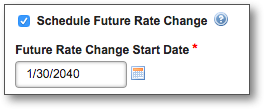
- You can schedule a future rate change and track versions of rate schedules if VERSIONING_ENABLED is set to "TRUE."
Update Rates
Getting Here: Click Products > Plans > Select a plan > Rates tab
- Scroll to the rate you want to update.
OR
Click Add Rate Schedule to add a new rate schedule.Note: The Translations link enables defining a translation for the field for an associated locale. Refer to Multi-language Translation for Product Elements for more information.
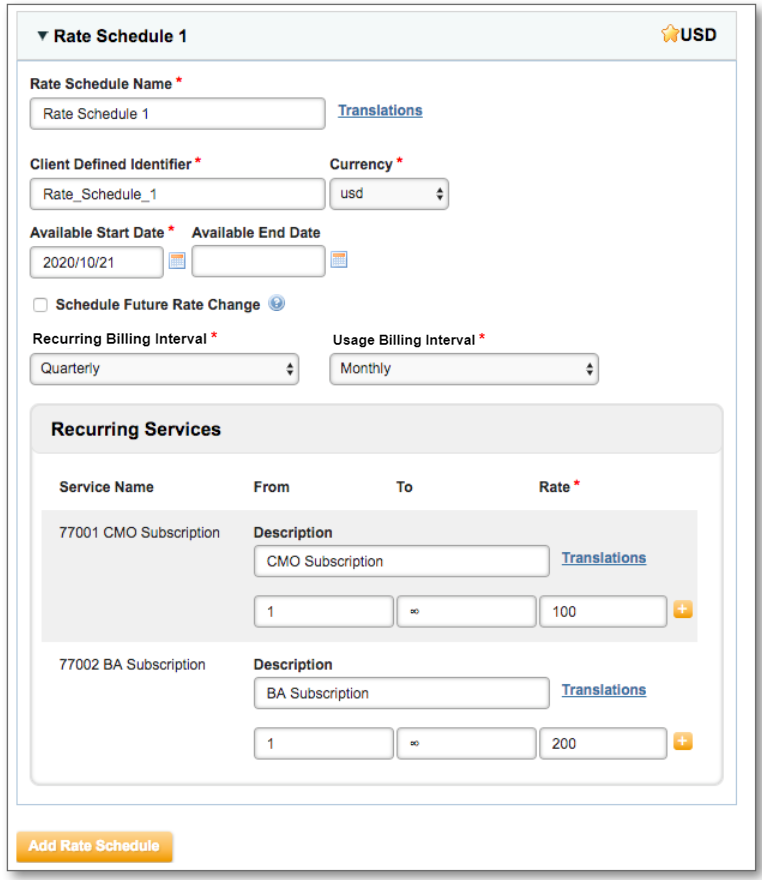
- Update fields as necessary. For a new rate schedule, refer to Add Rates to a Plan for a detailed description of each field.
- Click Save. Changes take place immediately for all instances of the plan, unless Future Rate Change Start Date is specified.