

Aria Generic Tax
If you wish to calculate taxation and do not depend on Aria (or integrate with providers outside of Aria), you can opt for generic taxation by building your own tax service. If you plan to integrate with an Aria-supported tax provider, it is recommended that you use Aria's generic tax for testing only.
Using Aria's Generic Tax for Testing
You can use Aria’s generic tax engine if you wish to calculate taxation independent of Aria, either by yourself or with a tax provider outside of Aria, building your own service. After configuring a specified endpoint URL, Aria will send the request in the AriaTaxRequest.xsd format to that endpoint. Once you have received the request from Aria, you can contact your tax engine, get your taxes and send the tax response to Aria as a AriaTaxResponse.xsd file.
Note: Concerning the custom fields in the Configuration and Group Configuration tabs, these are intended to provide flexibility for you to pass customized values based on your specific setup. They are not static or predefined fields and can be used to pass the required values in the tax request from Aria to your tax service endpoint.
Before You Begin
Make sure you have performed all the tasks described in Set Up Taxes.
Configuring Avalara Sales/Use - Smart Tax
Getting Here: Click Configuration > Integrations > Taxation Configuration
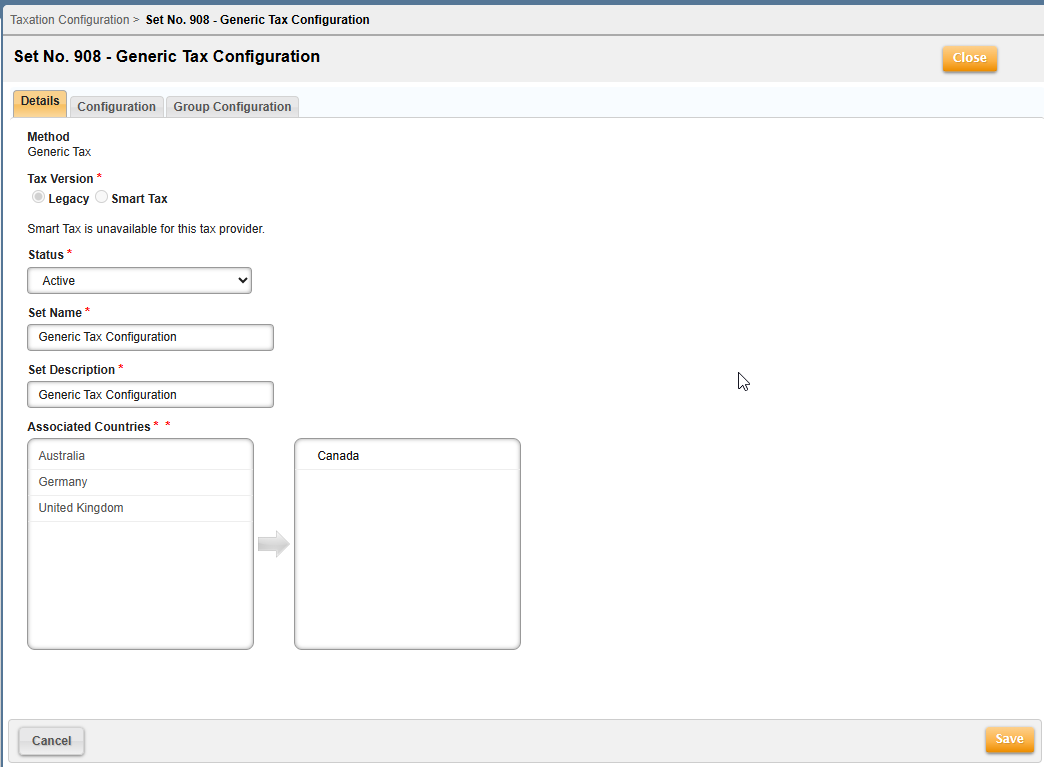
- Click New to set up a Generic taxation configuration.
- Accept the default of Legacy versus Smart Tax for this configuration.
- Fill in all the required fields of a new taxation configuration (i.e. Status, Set Name, Set Description, and Associated Countries).
For additional information, reference Create Taxation Configuration.
Note: Selected countries (in the right column) are the only countries that are included for taxing in the Avalara integration. All other countries (in the left column), are either taxed using another taxation method, or are not subject to any taxes.
- Choose Generic Tax from the Method drop-down (for initial setup).
Configuration
If values are provided for custom fields at this level, they will be used generically for all billable services at the Master Plan Instance (MPI) level in the tax request.

Override is allowed for a maximum of five Account Supplemental fields. Any of the following override values are allowed:
- Sales Rep
- Tax Exemption Number
- Account Type
- VAT ID
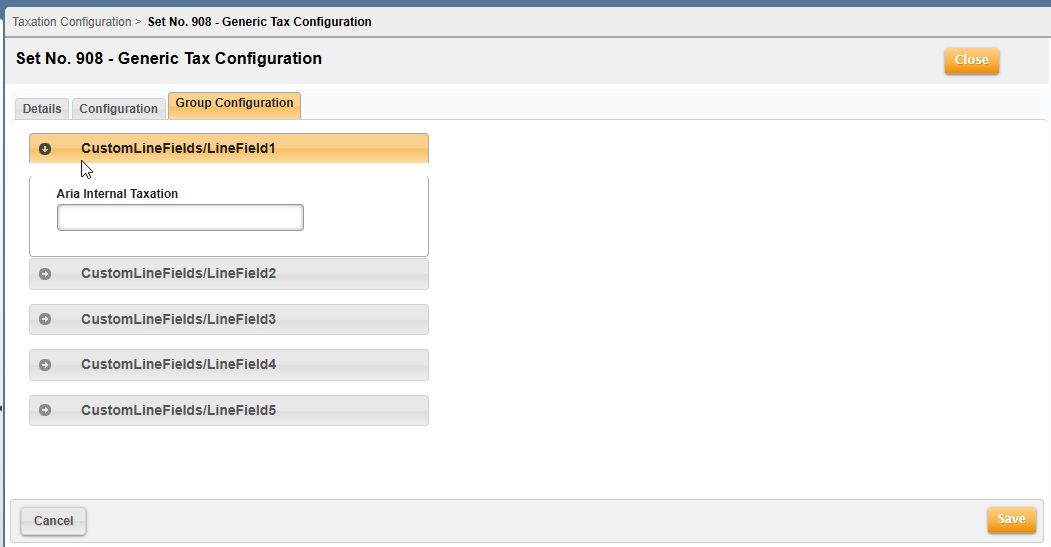
Group Configuration
If you require specific values for a particular service, these can be identified at this tab. Ideally, a group at this tab should be mapped to the corresponding service, and values configured for that group will be used specifically for tax requests associated with that service.
Aria Generic Tax Request and Response (sample .xsd file)